

One thing travellers often forget while planning a trip to Russia is how they will access the internet. Imagine arriving in Moscow, stepping outside the airport and finding that your mobile data doesn’t work. Even something as simple as finding your hotel or booking a taxi can become difficult.
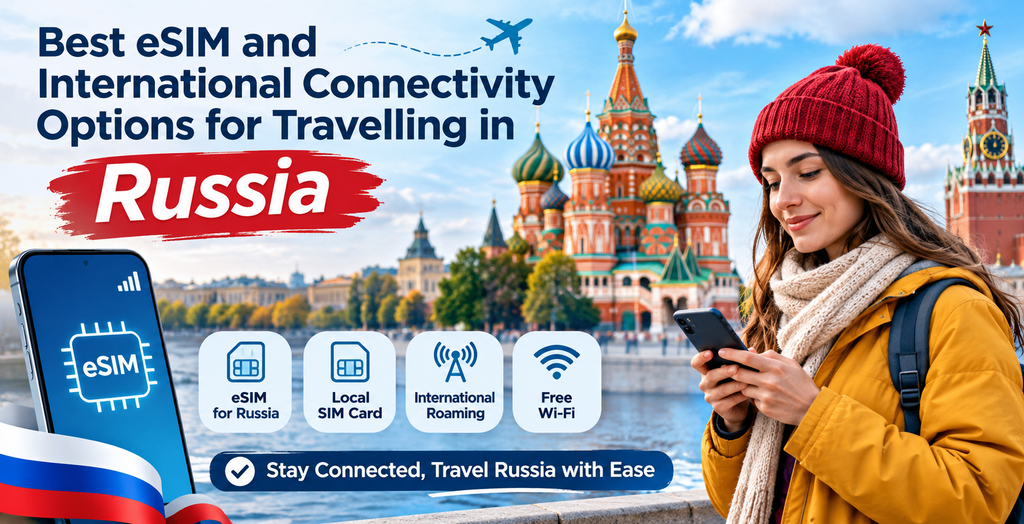
Russia has several options for staying connected, but choosing the right one requires a little preparation. Your choice largely depends on how long you plan to stay and how often you use your phone.
Does an International eSIM Work in Russia?
An international eSIM can work in Russia, provided your phone supports the technology and is not locked to a particular network.
You can buy and install an eSIM from home without changing your physical SIM card.
There is, however, something worth knowing. Foreign SIM cards and travel eSIMs may experience restrictions on mobile internet and text messages during the first 24 hours. Some providers offer a verification process that may restore connectivity sooner.
Don’t rely entirely on your mobile internet when you first arrive.
Which eSIM Is Best for Russia Travel?
Not everyone needs unlimited internet while travelling. Someone visiting Russia for a weekend will probably use less data than a person spending three weeks exploring different cities.
Here are three providers worth comparing:
-
Ubigi: Offers small data packages for occasional internet users and larger plans for longer trips.
-
Yesim: Provides both fixed-data and unlimited packages.
-
Holafly: Offers unlimited data plans, although network usage restrictions may apply.
Before spending money, check whether your chosen package supports hotspot sharing and covers the places you intend to visit.
Can Foreign Tourists Buy a SIM Card in Russia?
Russia has several established mobile operators, including MTS, Beeline, MegaFon and T2.
Buying a local SIM card is no longer as straightforward for foreign visitors as it once was. Travellers generally need a verified Gosuslugi account, a Russian insurance identification number called SNILS and registered biometric information.
Completing these formalities takes time. For a short holiday, purchasing an international eSIM before departure may involve considerably less paperwork.
Get Your Travel Documents Ready Before Flying
While sorting out internet packages, take a moment to check your passport, accommodation details and visa requirements.
Eligible travellers can complete their Russia visa application online with professional application assistance. The service lists several processing options, including rush processing estimated at four to seven days.
Once your visa arrives, print a copy rather than depending solely on your email. Having your hotel address written in Russian can also be surprisingly useful when asking for directions.
What About International Roaming?
If you prefer keeping your existing mobile number, international roaming is another possibility.
Contact your mobile operator before travelling. Some overseas networks have limited roaming arrangements in Russia, while others charge considerably more for international data.
Leaving data roaming switched on without checking the charges could lead to an unexpectedly large phone bill.
Is Free Wi-Fi Easily Available in Russia?
Many hotels, cafés, airports and shopping centres provide Wi-Fi. However, some public connections require phone number verification.
Internet access can also be disrupted in certain regions. Downloading offline maps through applications such as 2GIS or Yandex Maps is therefore a sensible idea.
Save your train tickets and booking confirmations directly on your phone so you can open them without an internet connection.
How Much Mobile Data Do You Need?
Around 3–5 GB may be enough for a week of light browsing, checking maps and sending messages. Video calls, streaming and frequent photo uploads will naturally require more.
Final Thoughts
For most short visits, an international eSIM is worth considering. A local SIM may be more practical for longer stays, provided you can complete the registration requirements.
Whatever you choose, check current travel advisories, prepare your phone before departure and keep important information available offline. A little planning can make those first few hours in Russia much easier.